
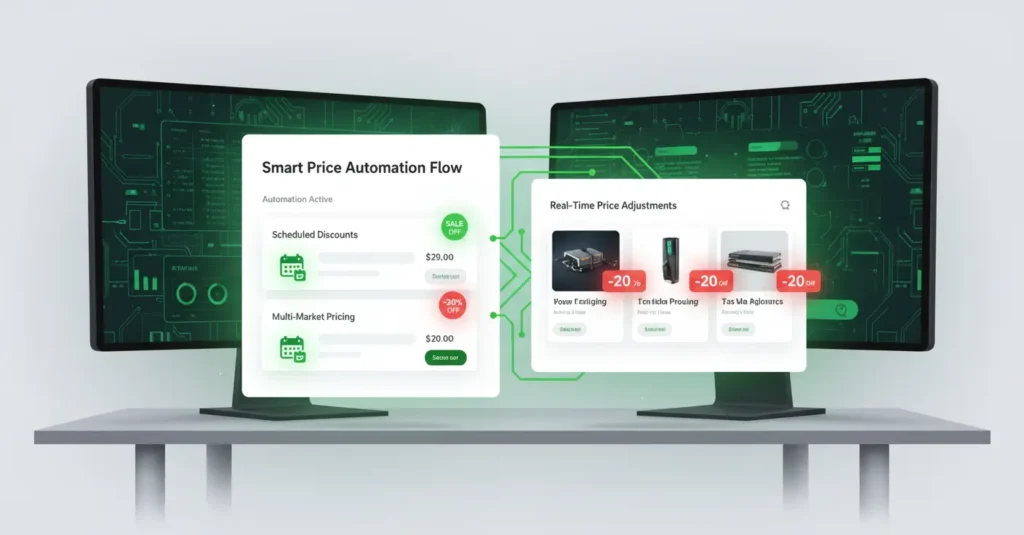
How to Automate Shopify Pricing for Seasonal Sales
Seasonal sales are a cornerstone of e-commerce, driving significant revenue spikes during holidays, special events, and end-of-season clearances. But manually updating prices across hundreds or thousands of products can be a tedious, time-consuming, and error-prone process. What if you could set it and forget it, ensuring your discounts go live and revert automatically, precisely when you need them to?
This is where automated Shopify pricing comes in, transforming your seasonal sales strategy from a manual scramble to a seamless, strategic advantage.
The Challenge of Manual Pricing for Seasonal Sales
Imagine the scenario: Black Friday is approaching, and you need to apply 20% off to your entire catalog, then switch to 30% off for Cyber Monday, and finally revert to original prices by Tuesday morning.
Without automation, this means:
- Hours of manual data entry: Sifting through products, calculating new prices, and updating each one individually.
- Risk of errors: A misplaced decimal or forgotten product can lead to lost revenue or customer frustration.
- Missed opportunities: Delays in launching or ending sales can mean losing out on crucial sales windows.
- Stress and burnout: The pressure to execute perfectly during peak times can be immense.
This is simply not sustainable for a growing business.
The Power of Automation: Why It’s a Game-Changer
Automating your Shopify pricing for seasonal sales provides a multitude of benefits:
- Save Time & Resources: Free up countless hours that can be better spent on marketing, customer service, or product development.
- Eliminate Errors: Automated systems apply discounts precisely as configured, reducing the risk of costly mistakes.
- Maximize Sales Windows: Schedule sales to start and end at the exact moment, ensuring you capture every possible sale and avoid selling at discounted prices longer than intended.
- Increase Agility: Quickly adapt to market changes or new promotional strategies without manual intervention.
- Maintain Consistency: Ensure pricing is uniform across all relevant products, enhancing customer trust.
- Reduce Stress: Enjoy peace of mind knowing your pricing strategy is executing flawlessly in the background.
Key Features to Look for in a Shopify Pricing Automation App
To effectively automate your seasonal sales, you’ll want to leverage a dedicated Shopify app. Here’s what to prioritize when choosing one:
- Bulk Price Editing: The ability to apply discounts or price changes to a large selection of products simultaneously.
- Scheduled Sales: A calendar view to set specific start and end dates and times for your promotions.
- Discount Types: Support for various discount methods (percentage off, fixed amount off, new fixed price).
- Multi-Market / Multi-Currency Support: Essential if you sell internationally, allowing you to manage different prices for different regions.
- Rollback Functionality: A crucial feature that automatically reverts prices to their original state once a sale ends.
- Intuitive UI/UX: A clean, easy-to-use interface that makes setting up and managing promotions straightforward.
- Automation Toggle: A clear switch to activate or deactivate scheduled pricing campaigns.
How Automated Pricing Works for Seasonal Sales
Let’s walk through a typical workflow for setting up a seasonal sale using an automated pricing app.
Step 1: Identify Your Products
Decide which products or collections will be part of your seasonal sale. Most apps allow you to filter and select products based on various criteria.
Step 2: Define Your Discount Strategy
Choose the type of discount (e.g., 25% off all t-shirts, $10 off all winter coats). You might even set up tiered discounts or specific price points.
Step 3: Schedule Your Sale
This is where the magic happens. Using a calendar interface, you’ll set:
- Start Date & Time: When the sale officially begins.
- End Date & Time: When the sale automatically reverts to original prices.
For multi-stage sales (e.g., Black Friday followed by Cyber Monday), you’d simply create multiple scheduled events back-to-back.
Step 4: Configure Rollback (Automatically Handled)
With a good app, the rollback to original prices is an integral part of the scheduling. Once the end date and time are reached, the app automatically restores your products to their pre-sale prices. No manual intervention needed!
Step 5: Monitor and Analyze
While the automation handles the heavy lifting, it’s still wise to monitor your sales performance during and after the promotion. Use your Shopify analytics to see what worked best and refine your strategy for the next seasonal event.
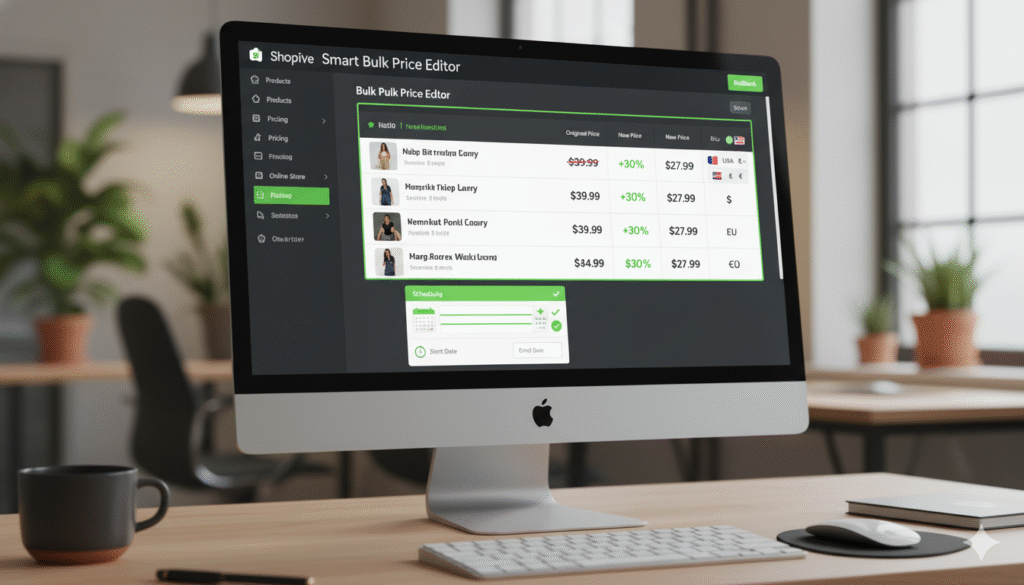
Here’s an example of what such an app’s dashboard might look like, giving you a clear overview of your scheduled promotions:
Pro Tips for Seasonal Sales Automation
- Plan Ahead: Even with automation, a well-thought-out calendar of seasonal sales is crucial. Map out your promotions months in advance.
- Segment Your Audience: Consider using Shopify’s customer segmentation features in conjunction with targeted email campaigns for your automated sales.
- Test Thoroughly: Before a major sale, run a small test with a few non-critical products to ensure everything is working as expected.
- Communicate Clearly: Inform your customers about the start and end times of your sales to create urgency and transparency.
- Don’t Forget About Shipping: Factor shipping promotions into your overall seasonal sales strategy.
Conclusion
Automating your Shopify pricing for seasonal sales is no longer a luxury; it’s a necessity for any e-commerce business looking to scale efficiently and maximize revenue. By embracing the power of dedicated apps, you can reclaim your time, eliminate errors, and execute flawless promotions that delight customers and boost your bottom line. Step into the future of e-commerce and let automation handle the heavy lifting of your next big sale!